
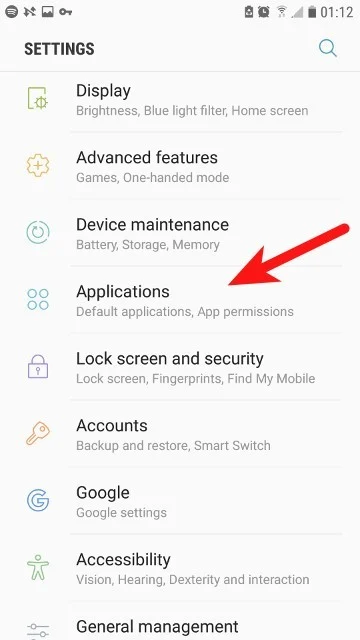
When you install a new app from the Google Play Store, it cannot automatically track your location, record audio, or read your text messages. Android’s security architecture requires the app to explicitly ask for your permission. However, it is very easy to tap “Allow” in a rush, inadvertently granting a simple flashlight app access to …
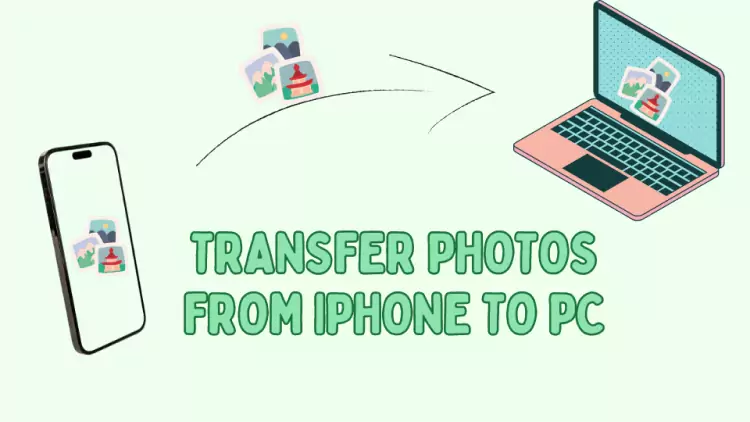
Backing up your smartphone’s camera roll to a computer should be a stress-free process, but one wrong click can accidentally wipe years of memories from your phone. The fear of losing original photos during a transfer is incredibly common, especially because many photo management programs include default settings designed to “clean up” your phone by …
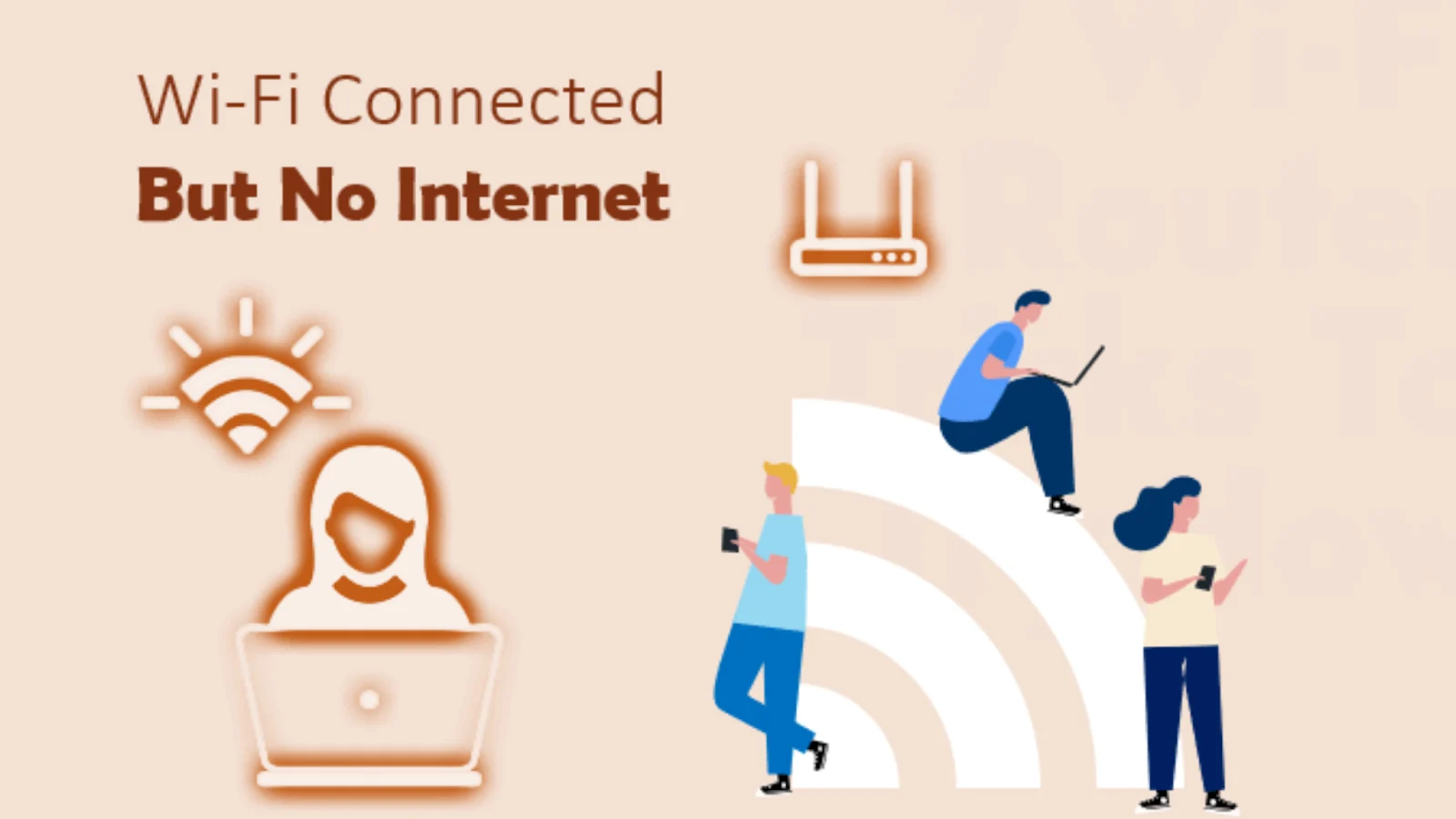
Seeing the Wi-Fi symbol at the top of your screen but failing to load a single webpage is one of the most frustrating technology errors you can encounter. The “Connected, no internet” message creates a confusing paradox: your device has successfully spoken to your local router, but your router is failing to communicate with the …

It is incredibly frustrating when your smartphone is happily streaming video on your home Wi-Fi, but your laptop refuses to load a single web page. Because the Wi-Fi is clearly working for one device, you instantly know the problem is not a massive Internet Service Provider (ISP) outage or a completely dead router. Instead, the …

When web pages take forever to load or Netflix constantly buffers, it is easy to blame your Internet Service Provider (ISP). However, the internet connection entering your home is only half of the equation; the other half is the wireless network (Wi-Fi) broadcasting that connection to your devices. Knowing whether the bottleneck is the external …
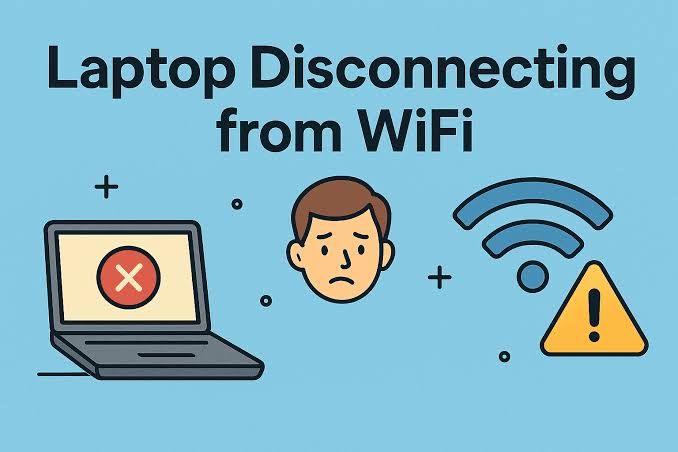
When web pages take forever to load or Netflix constantly buffers, it is easy to blame your Internet Service Provider (ISP). However, the internet connection entering your home is only half of the equation; the other half is the wireless network (Wi-Fi) broadcasting that connection to your devices. Knowing whether the bottleneck is the external …

Looking at the top of your screen and seeing the Wi-Fi icon illuminated with full bars creates an expectation of lightning-fast internet. When that strong signal is met with endlessly spinning loading circles and buffering videos, the experience is incredibly jarring. This paradox happens because the Wi-Fi icon only measures the strength of the local …
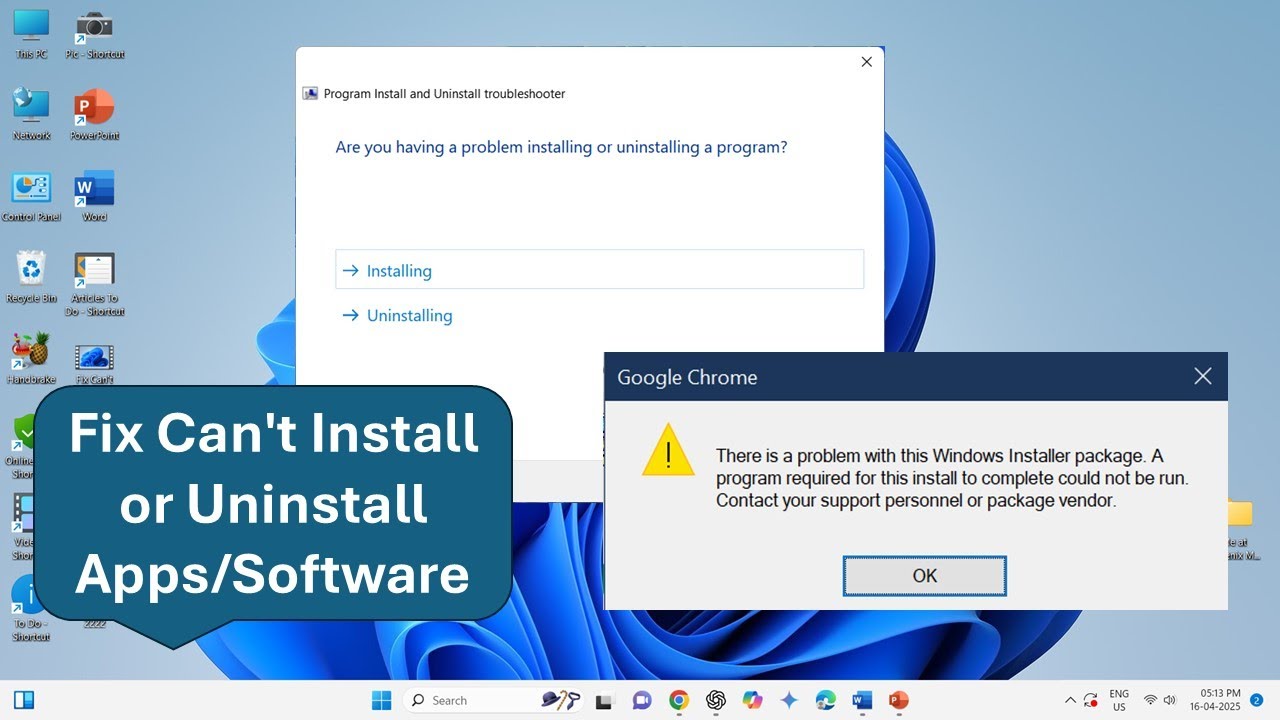
When you download a new program and double-click the installer, you expect a smooth progress bar. However, watching the installation freeze at 99%, or receiving an obscure “Error 1603” failure message, is incredibly common. These installation failures usually occur because Windows is aggressively blocking the file from writing to the hard drive, another background program …
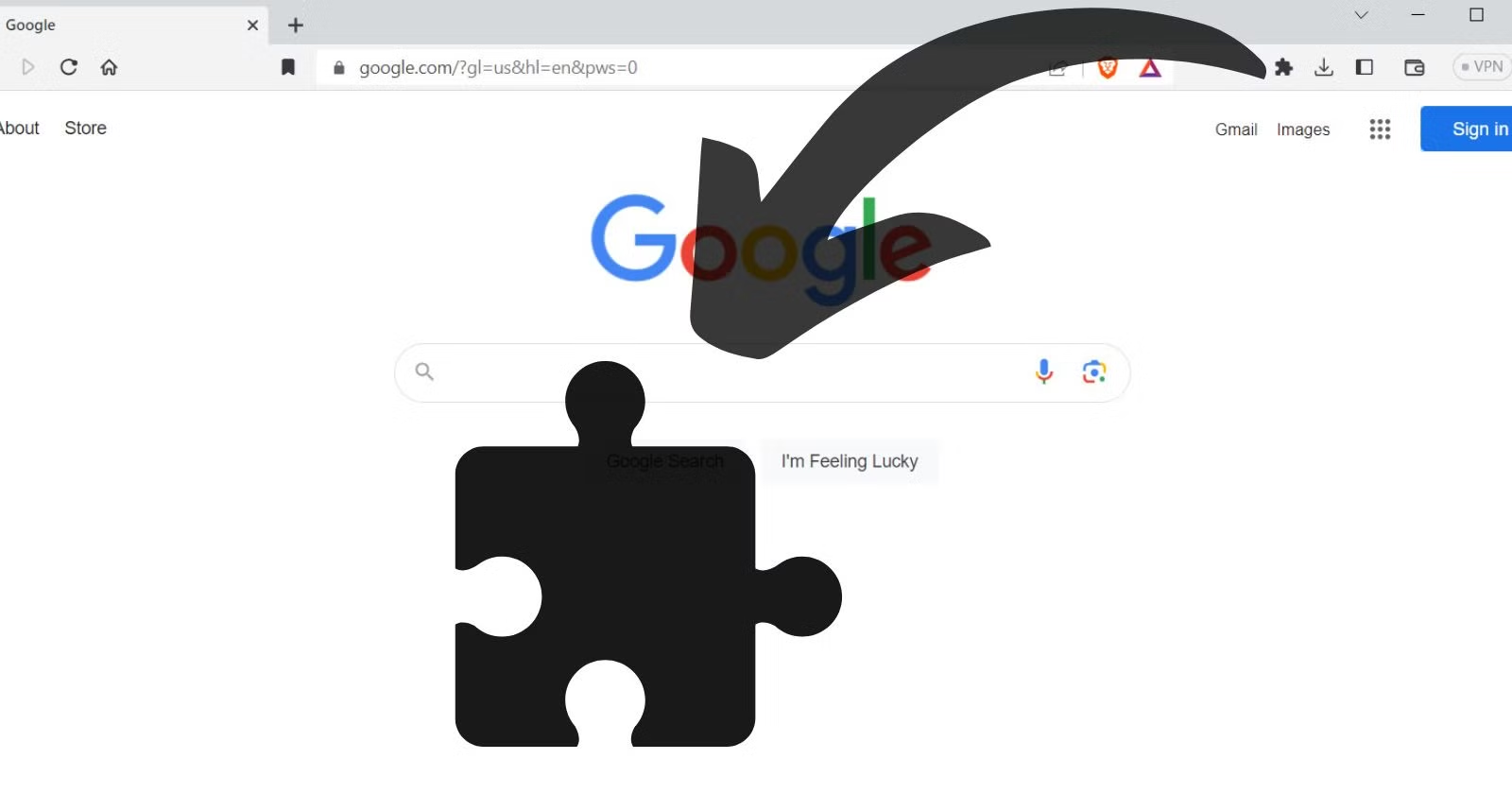
Modern web browsers like Google Chrome, Mozilla Firefox, Microsoft Edge, and Apple Safari rely heavily on extensions (or add-ons) to improve functionality. Whether you use them to block advertisements, manage your passwords, or check your grammar, these small software programs actively read and modify the code of the websites you visit. Because web pages are …
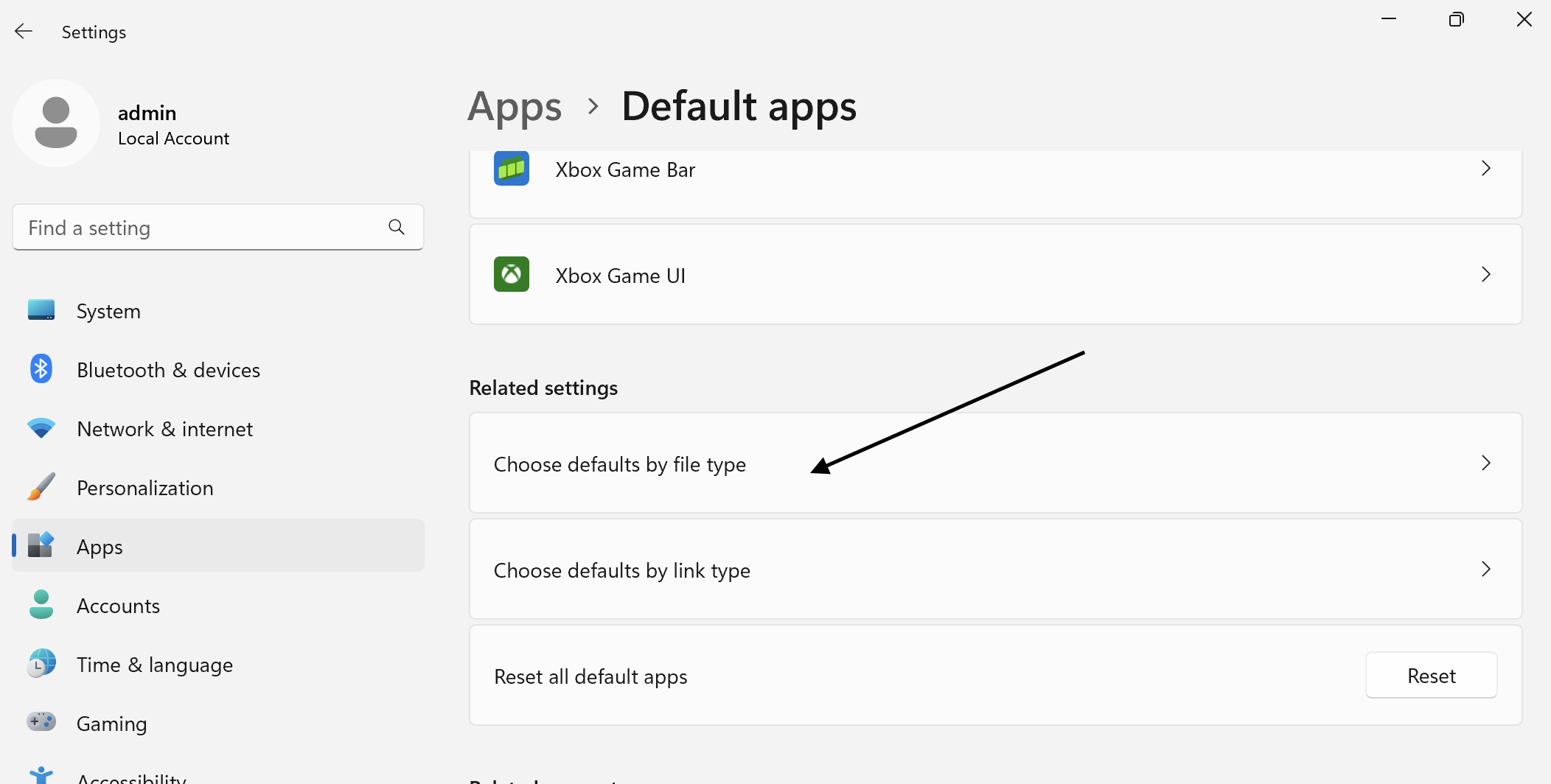
Double-clicking a PDF document expecting Adobe Acrobat to launch, only to have it open in Microsoft Edge, is a frustrating interruption to your workflow. This happens when the “file association” in your operating system becomes misconfigured. Windows uses a hidden registry database to pair specific file extensions (like .jpg for photos or .mp4 for videos) …