
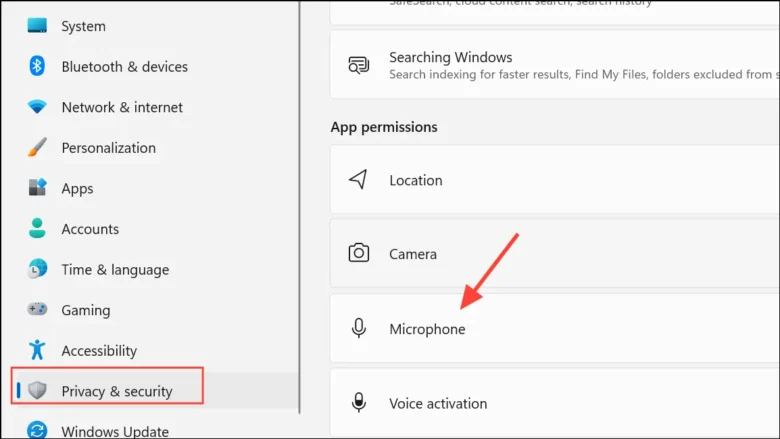
Joining an important video meeting on Microsoft Teams, Zoom, Google Meet, or Discord only to discover that nobody can hear your voice—or that your webcam displays a black box or error code 0xA00F4244—rarely means your headset or laptop camera is physically broken. In Windows 10 and Windows 11, every audio and video stream must pass …

When your Windows computer starts lagging, freezing, or spinning its cooling fans loudly during basic tasks, a single runaway program or background service is often the cause. Before you uninstall software at random or spend money on new hardware, you can use the built-in diagnostic tools in Windows 11 and Windows 10 to pinpoint the …
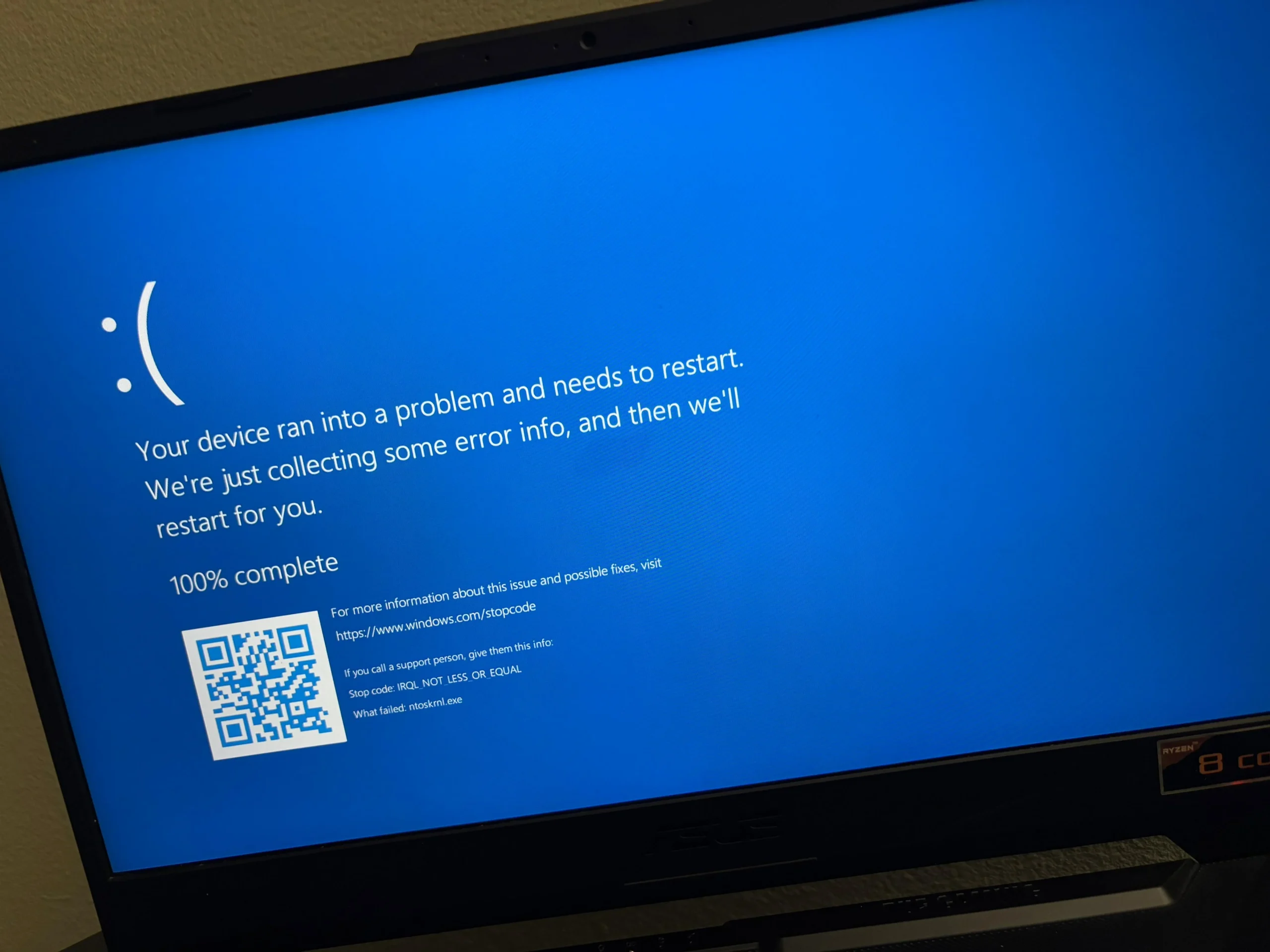
When a program on your computer suddenly freezes, closes without warning, or refuses to open, the most common advice on the internet is to uninstall and reinstall it. While reinstalling occasionally fixes a damaged program folder, it often fails to stop recurring crashes—and it can create new headaches by wiping out custom preferences, local workspaces, …
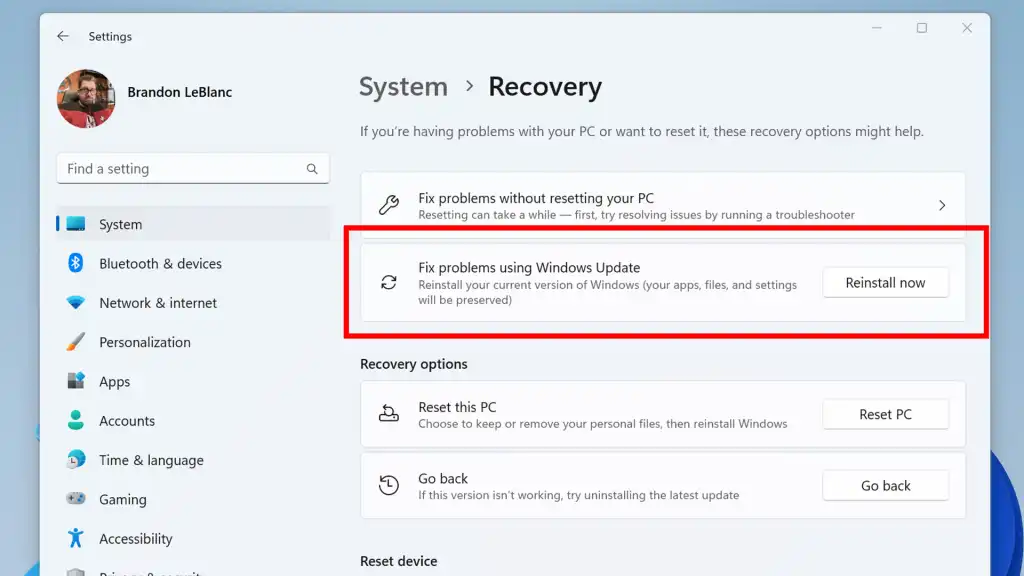
Few computer problems are as frustrating as a Windows Update that downloads to 99%, fails with a cryptic hexadecimal error code, and rolls back every time you restart your computer. When an update gets stuck in a failure loop, many online guides quickly suggest using Reset this PC—a drastic step that wipes out your installed …
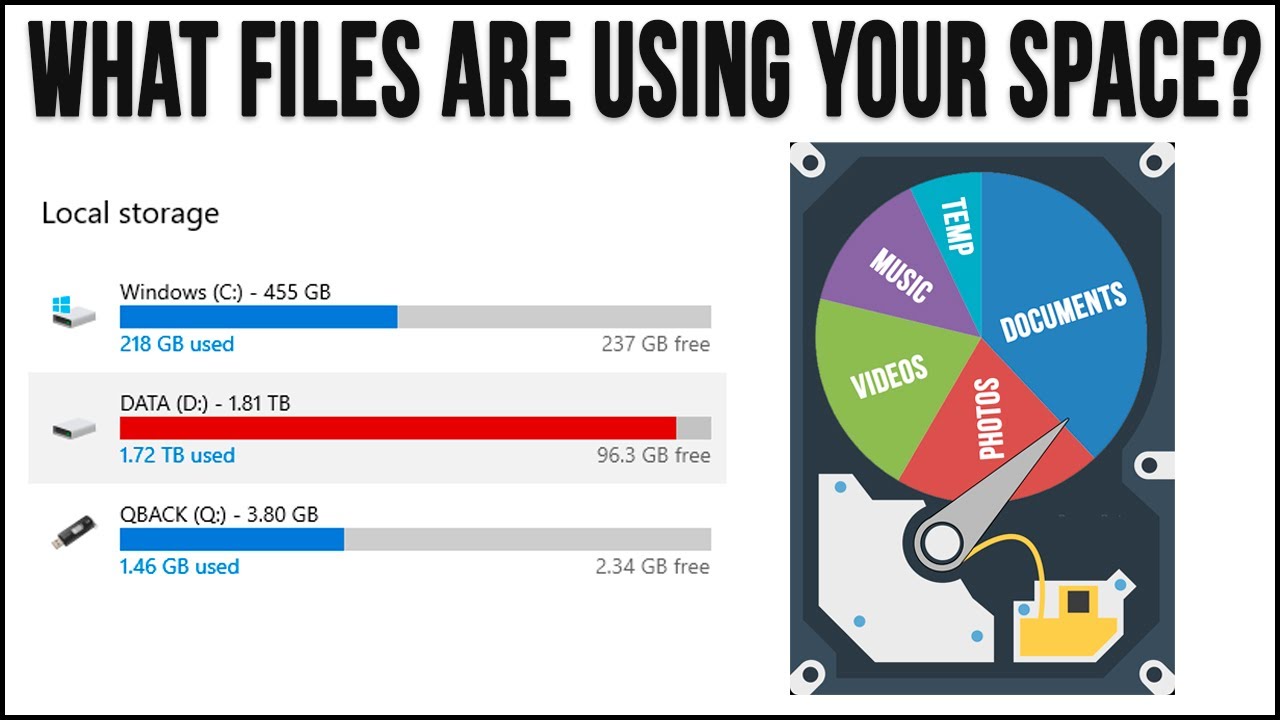
Seeing the storage bar for your Local Disk (C:) turn bright red in File Explorer—followed by repeated Low Disk Space pop-up warnings—is one of the most common frustrations in Windows 11 and Windows 10. What makes a full C: drive especially confusing is that it often happens even when your Documents, Pictures, and Videos folders …
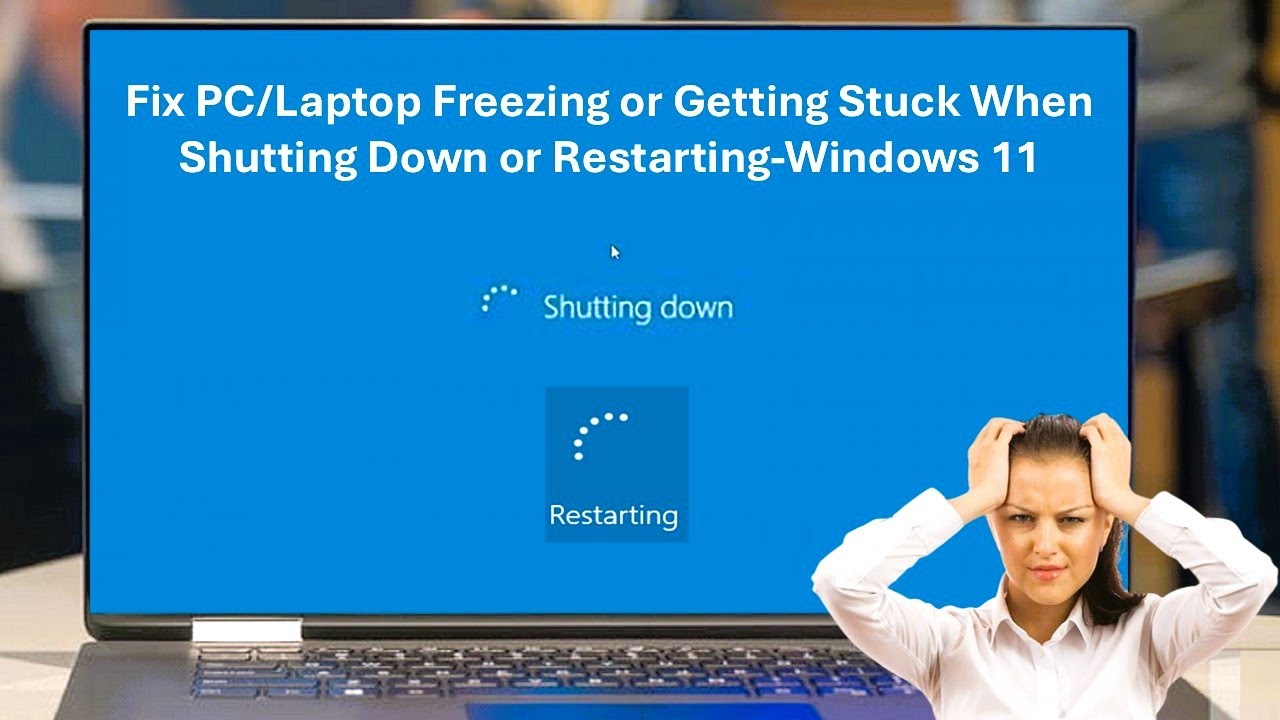
Experiencing a sudden computer freeze is frustrating, but it is even more concerning when your entire system locks up—the mouse cursor is frozen or unresponsive, keyboard shortcuts do nothing, and the desktop fails to respond to normal shutdown commands. When your Windows PC freezes completely without letting you shut down normally, it usually points to …
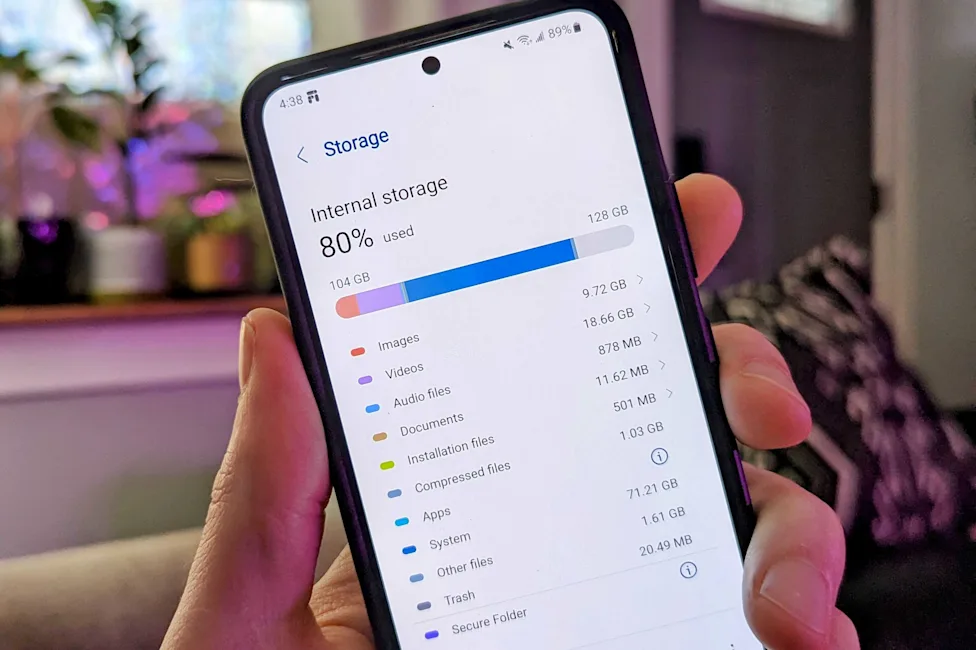
Few things are more frustrating than trying to take a photo or update an app, only to be met with the dreaded “Storage space running out” warning on your Android phone. When your phone reaches 90% capacity, it doesn’t just block new files—it actively slows down the entire operating system, causes apps to crash, and …
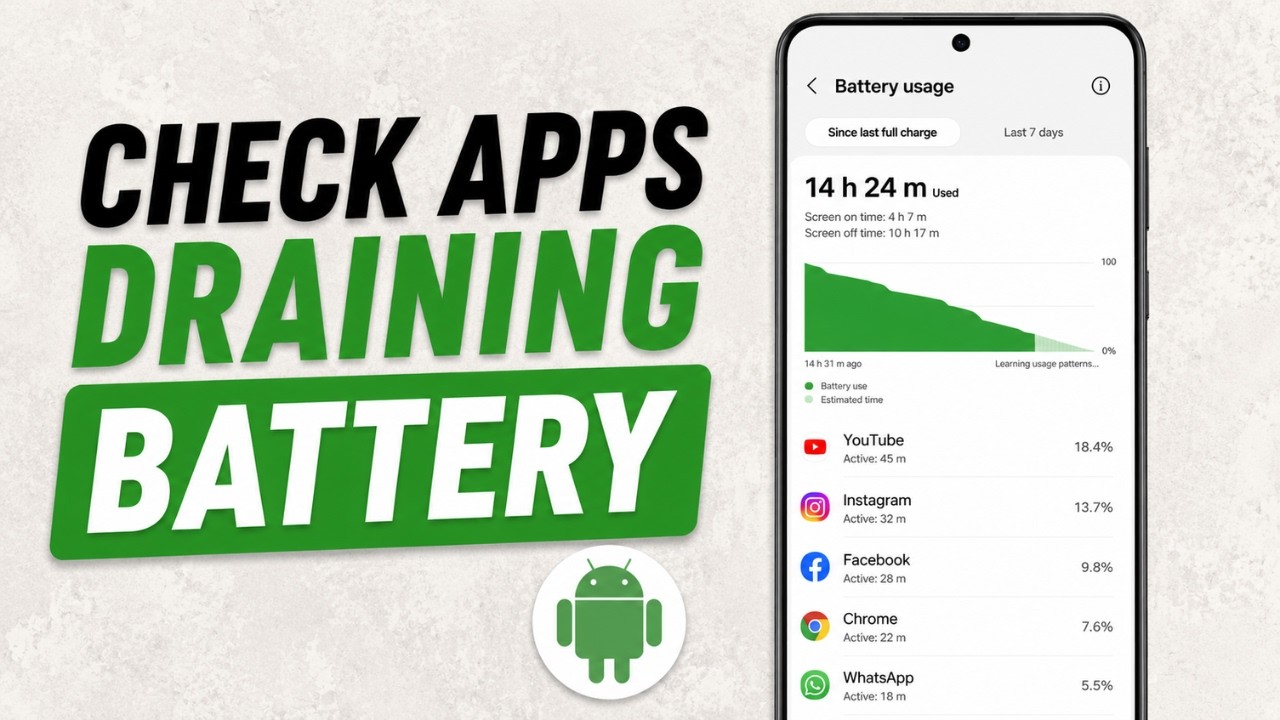
When an Android phone starts losing charge rapidly—especially while sitting untouched in a pocket or on a nightstand—a single misbehaving app or stuck background process is often the culprit. Modern Android phones include built-in diagnostic tools that track exactly how much power every application and hardware component consumes. However, reading the battery usage list takes …
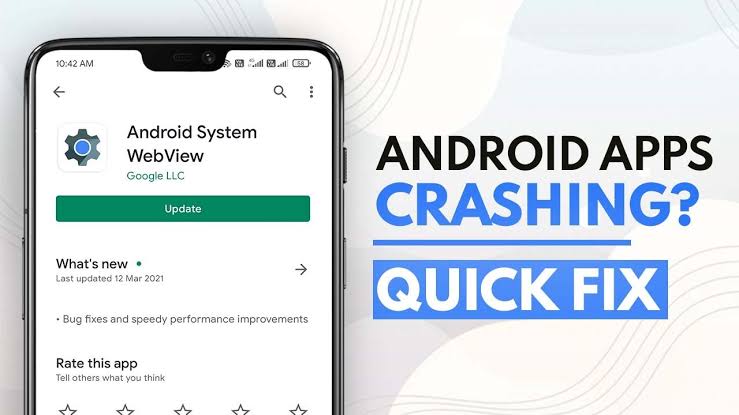
There is nothing quite as disruptive as tapping an app only to watch it instantly crash back to your home screen or freeze mid-task. Whether it affects a single program like Instagram or causes multiple apps to fail simultaneously, unexpected app closures are among the most common software headaches on Android. While sudden crashes often …
A smartphone’s primary job is to keep you connected, so few things are more frustrating than a phone that only delivers your messages when you actively unlock the screen. If you frequently find a flood of emails, WhatsApp messages, or breaking news alerts pouring in all at once the moment you wake up your device, …