
When your Windows computer starts lagging, freezing, or spinning its cooling fans loudly during basic tasks, a single runaway program or background service is often the cause. Before you uninstall software at random or spend money on new hardware, you can use the built-in diagnostic tools in Windows 11 and Windows 10 to pinpoint the …
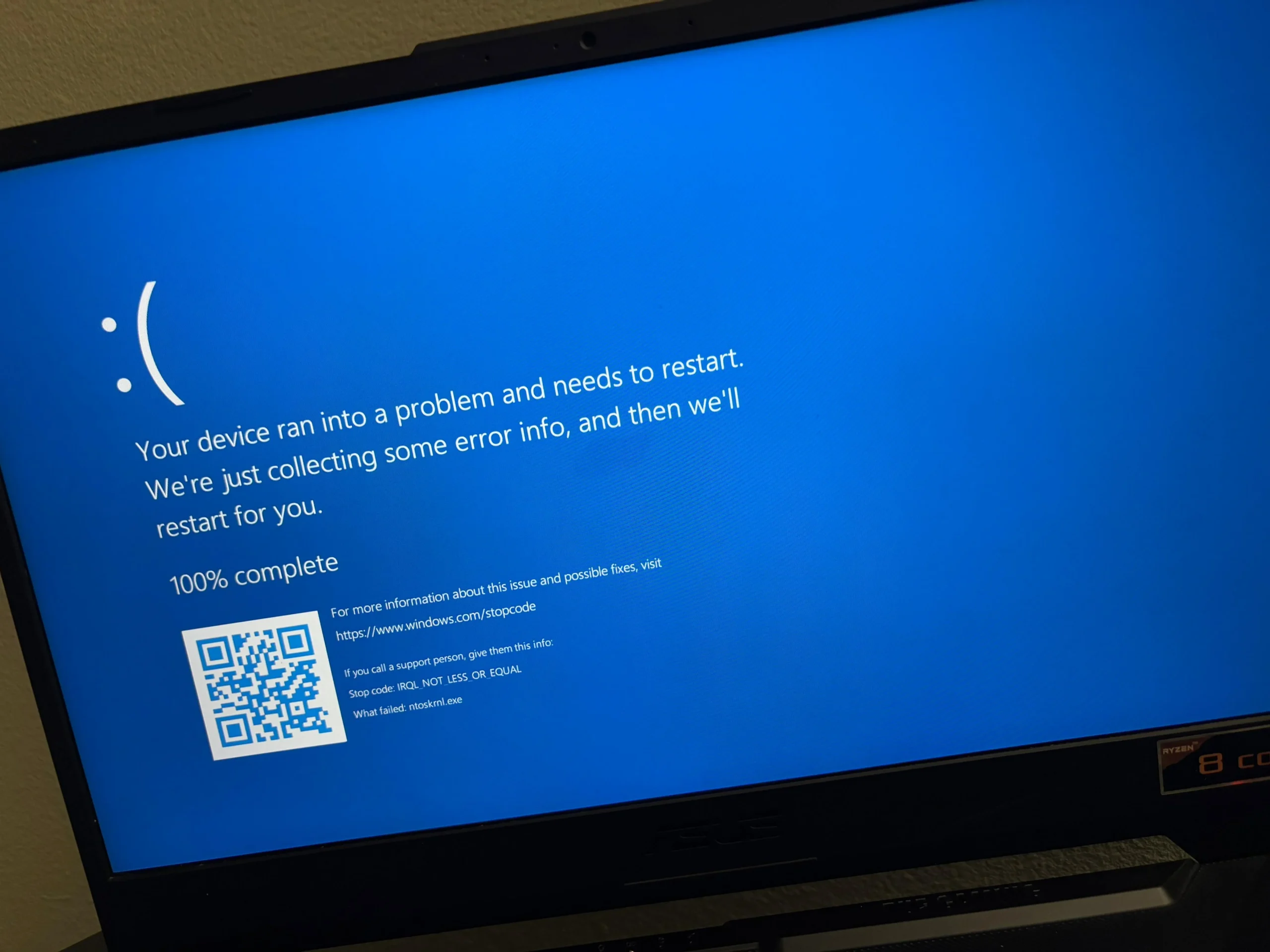
When a program on your computer suddenly freezes, closes without warning, or refuses to open, the most common advice on the internet is to uninstall and reinstall it. While reinstalling occasionally fixes a damaged program folder, it often fails to stop recurring crashes—and it can create new headaches by wiping out custom preferences, local workspaces, …
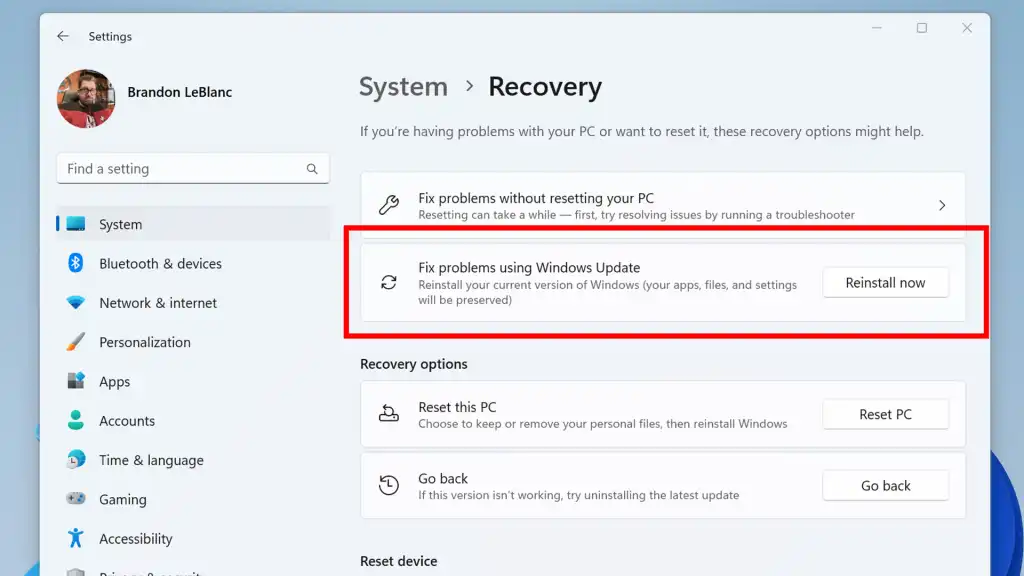
Few computer problems are as frustrating as a Windows Update that downloads to 99%, fails with a cryptic hexadecimal error code, and rolls back every time you restart your computer. When an update gets stuck in a failure loop, many online guides quickly suggest using Reset this PC—a drastic step that wipes out your installed …
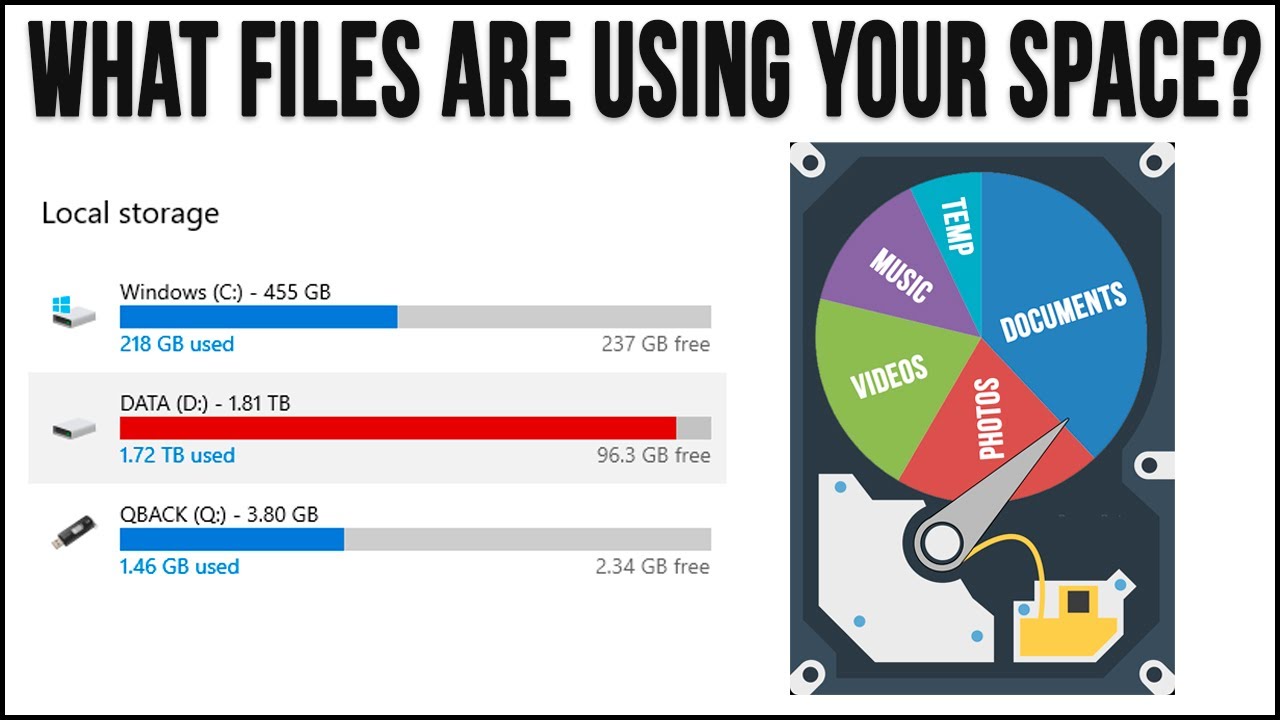
Seeing the storage bar for your Local Disk (C:) turn bright red in File Explorer—followed by repeated Low Disk Space pop-up warnings—is one of the most common frustrations in Windows 11 and Windows 10. What makes a full C: drive especially confusing is that it often happens even when your Documents, Pictures, and Videos folders …
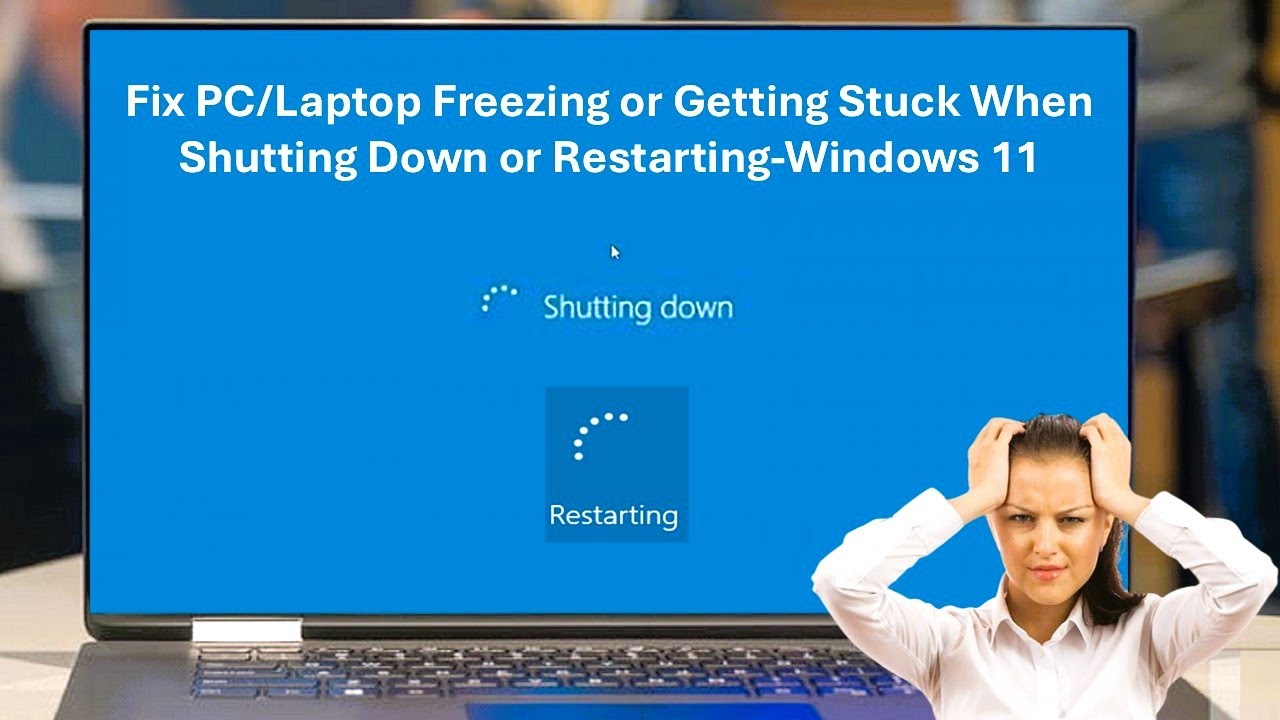
Experiencing a sudden computer freeze is frustrating, but it is even more concerning when your entire system locks up—the mouse cursor is frozen or unresponsive, keyboard shortcuts do nothing, and the desktop fails to respond to normal shutdown commands. When your Windows PC freezes completely without letting you shut down normally, it usually points to …